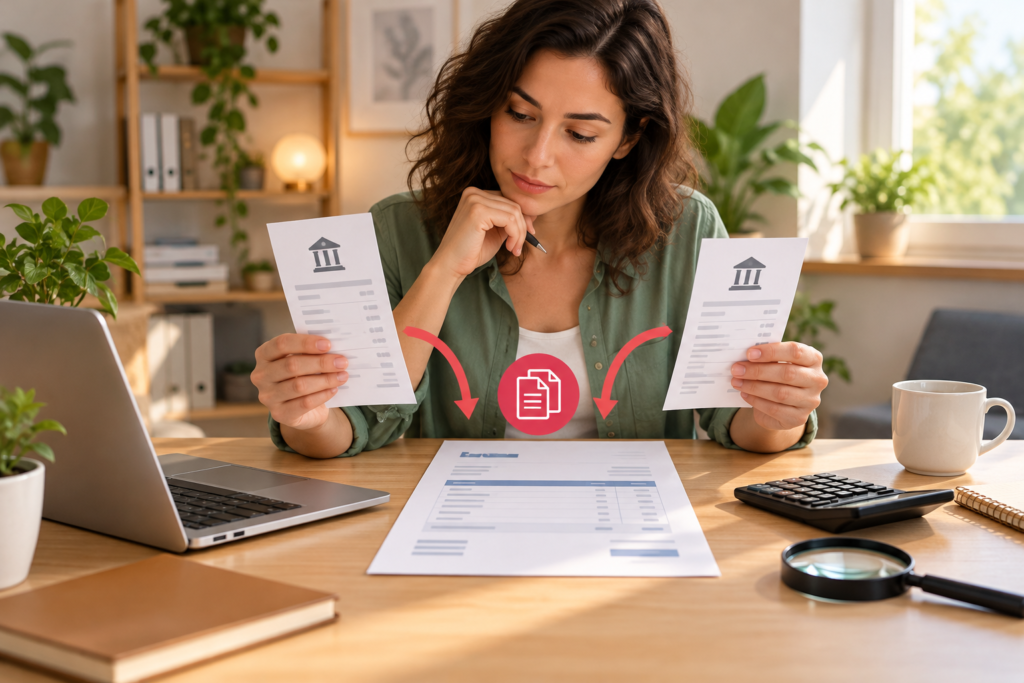
If a customer appears to have paid an invoice twice, verify two settled transactions before promising a refund or changing the invoice. Match the customer, invoice number, currency, dates and transaction references. A pending authorization, duplicate import or payment for another invoice can look like an overpayment.
This is an operational checklist for freelancers and small service businesses, based on official documentation reviewed October 25, 2026. It is not individualized accounting, tax or legal advice, and we did not test a live refund. Official links are ordinary links, not verified affiliate links.
First distinguish the three cases
| What you find | What it may mean | Next check |
|---|---|---|
| Two settled payments, one invoice | Possible genuine excess payment | Match both references to bank or processor records |
| One settled payment, two bookkeeping entries | Possible duplicate recording | Review the import and reconciliation history |
| One settled payment, one pending item | Not yet proof of two receipts | Ask the payment provider for the status |
Do not issue a second sales invoice merely to make the extra receipt disappear. Preserve the original invoice and the payment trail. The correct adjustment depends on your system, local requirements and whether the customer chooses a permitted credit or refund.
An illustrative reconciliation
Assume invoice INV-104 is $600 and two separate $600 payments have settled in the same currency. Total received is $1,200. The invoice balance after applying $600 is $0; the apparent excess is $600. That excess is not a second $600 sale simply because cash arrived.
If one $600 line is only a duplicate import, actual cash received remains $600 and there is no cash excess to refund. Processor fees and currency conversion can make the bank deposit differ from the gross payment; record those differences separately instead of guessing that a mismatch is a duplicate.
Customer reply template
Subject: Payment review for invoice [number]
Hi [name], we are reviewing two payment entries linked to invoice [number]. The references are [reference A] and [reference B], dated [dates]. We are checking their settled status before confirming an excess payment. Please confirm whether both were intended for this invoice or whether one belongs to another invoice. Once verified, we will document the available resolution and confirm the next step with you. Thank you, [name].
Use this only as a draft. Remove unnecessary account details, and send it through your existing verified customer contact. Do not follow new bank instructions from an unexpected email without independent verification.
Refund versus future credit
Record the customer’s agreed resolution. Do not silently hold money for future work. Zoho Invoice documents credit notes as a way to track amounts owed to customers and resolve them through a refund or a later invoice. The appropriate record for an overpayment may depend on the workflow; a credit note is not proof that money has actually been returned.
Keep the financial action separate from its bookkeeping entry. Before any real refund, confirm settlement, the original transaction, the authorized payment route and the provider’s rules. If the situation involves a dispute or chargeback, check the provider’s instructions to avoid refunding the same amount twice.
Close the loop with a receipt trail
- Original invoice number and amount.
- Both payment references and verified settlement status.
- Amount applied to the invoice and amount left unresolved.
- Customer’s written instruction and authorized resolution.
- Actual refund reference or later invoice receiving the credit.
- Reconciliation date and the person who checked it.
A spreadsheet is enough for a small number of cases if it preserves these fields and you reconcile it regularly. Software becomes more useful when payment volume and unmatched entries make manual checking unreliable. Before purchasing, test whether the tool distinguishes payments, customer credits, refund records and bank settlement in your workflow.
For an unpaid or disputed amount, use the separate invoice dispute reply guide. To track allocations and balances, see our invoice tracker structure.
Next action: create one reconciliation row for each transaction and verify settled status before choosing the resolution.
Official reference
Zoho Invoice: understanding credit notes, checked October 25, 2026. Consult your accountant for jurisdiction-specific treatment.